PC

Installation and initialization
- Plug in a RJ45 cable from the host(e.g. Router or Desktop) to the ethernet port of OpenRTK.
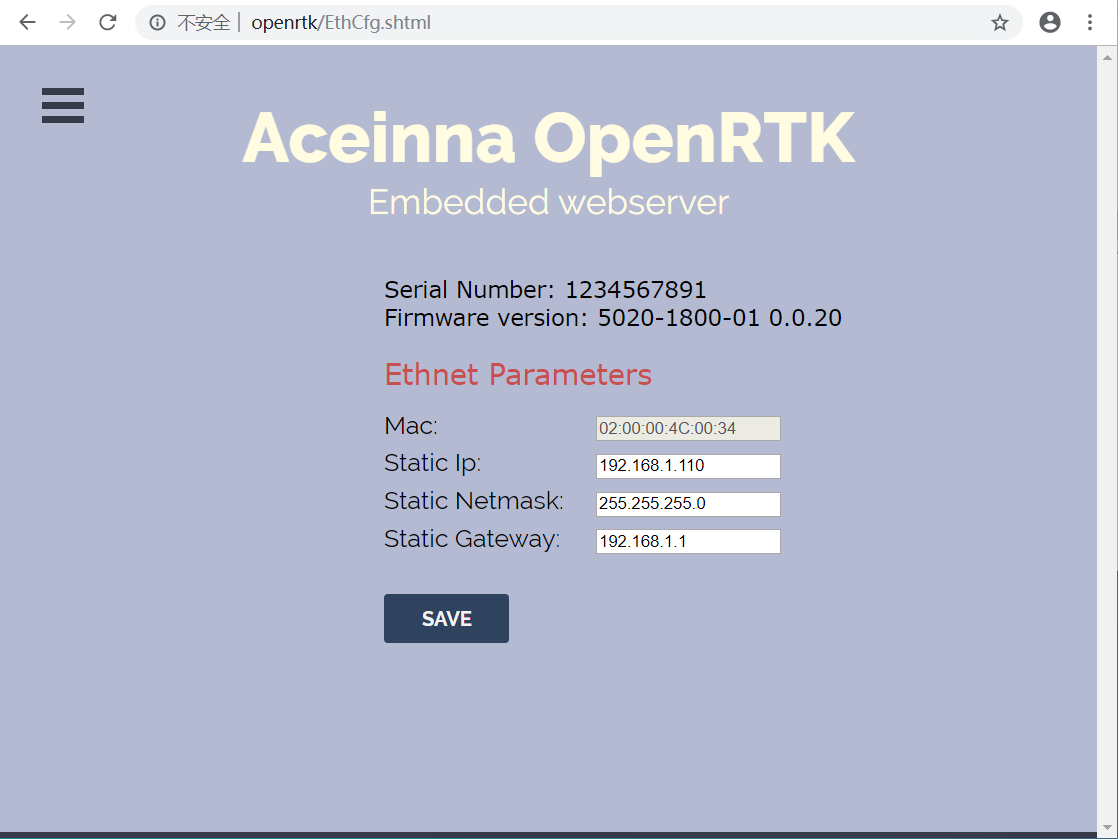
- DHCP IP address is used by OpenRTK as default, if no success, manually setup a STATIC IP (ip = 192.168.1.110, netmask = 255.255.255.0, gateway = 192.168.1.1).
- Visit the embedded web site (“http://openrtk”) on the same LAN as OpenRTK.
Account Registration
Sign up. You need a account to login in. The account is same as Aceinna Developer Site and Aceinna Fourm. You can click ‘Join us’ to sign up your account.

Aceinna Network service subscription
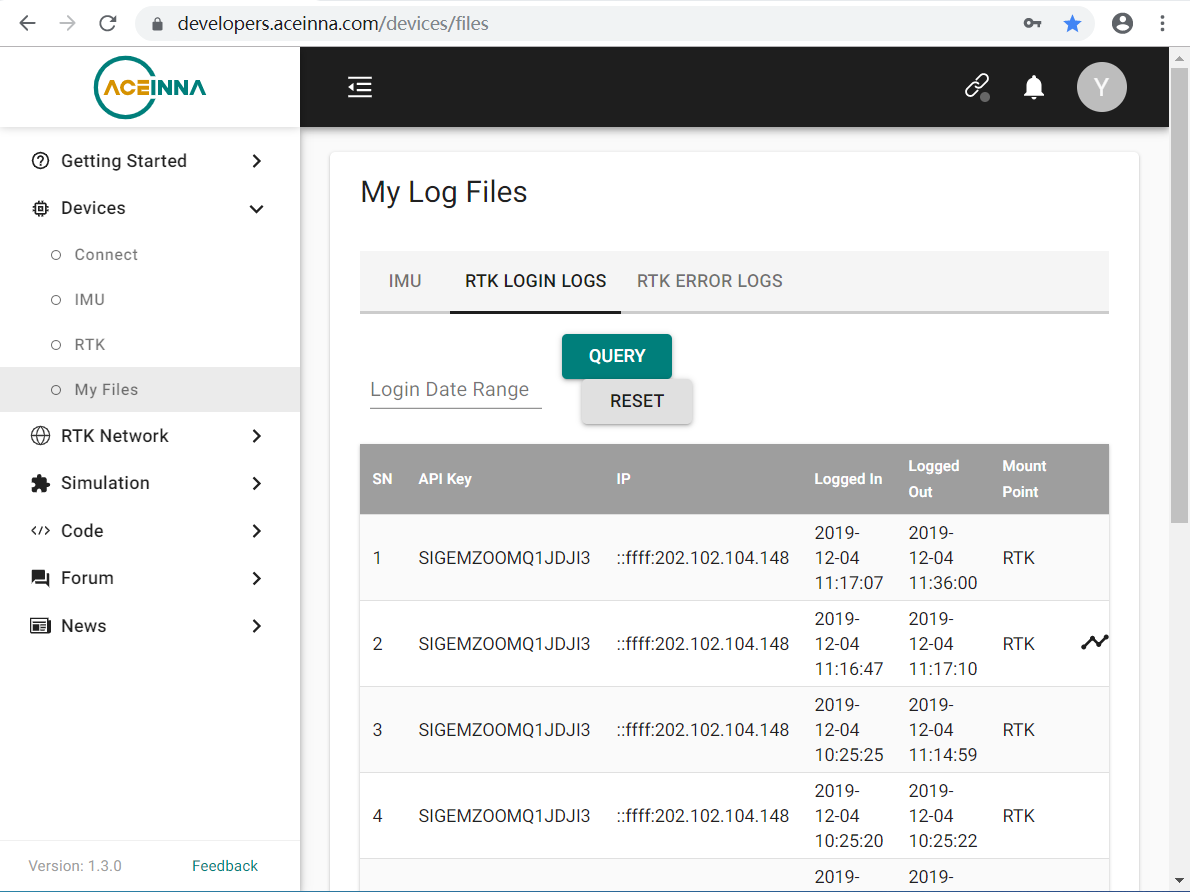
Generate API. If you do not have the API key, you need generate API key to use Aceinna RTK network and set the number of allowed devices.

Configuration
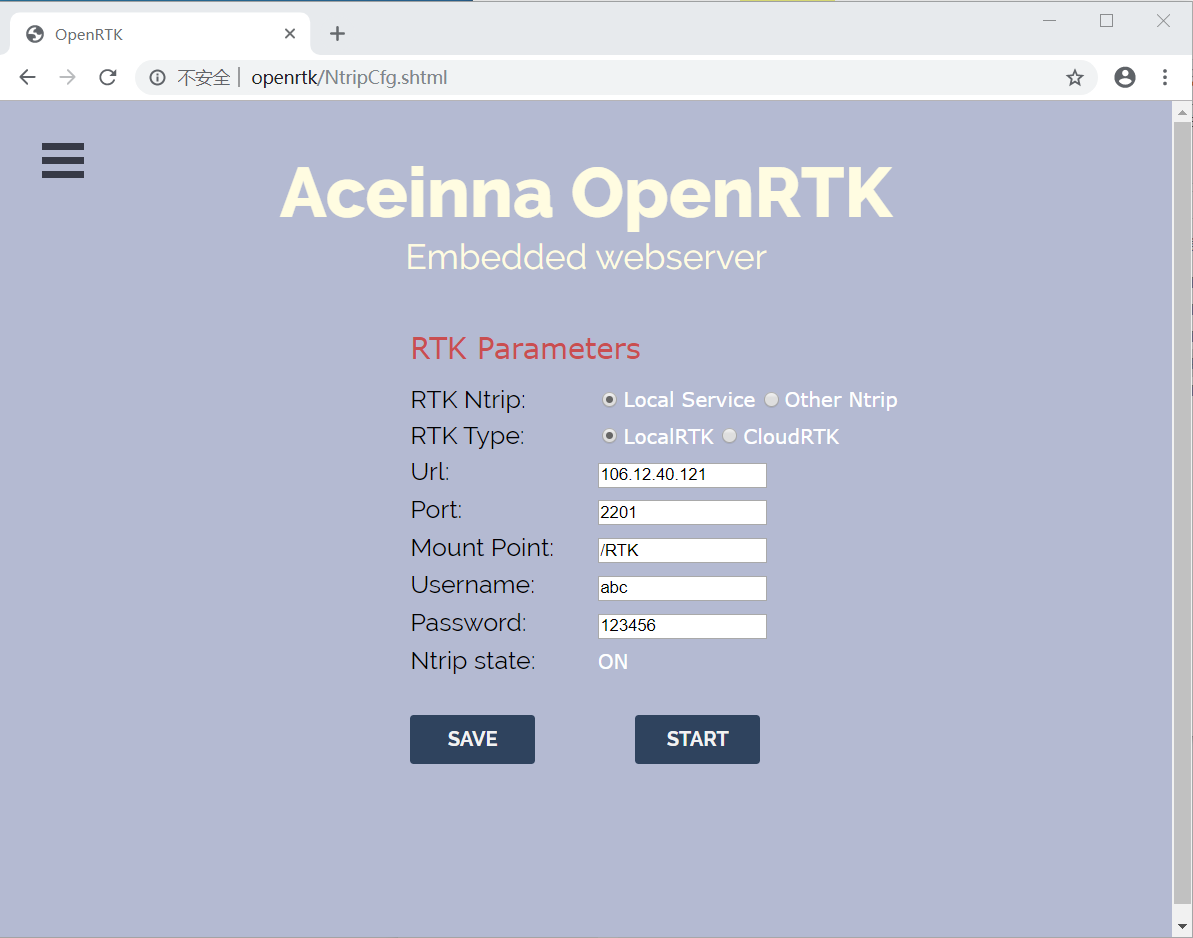
1. Ntrip Configuration.
RTK Ntrip: If you choose Local Service, ntrip client will use username and apikey in login. Otherwise, ntrip client will use username and password in ntripcfg.
RTK Type:
- LocalRTK: get NEMA(GPGGA) from device, get RTCM from Aceinna server.
- cloudRTK: get RTCM from device, get NEMA(GPGGA) from Aceinna server.
Ntrip state:
- ON: etnernet ntrip on, forbid bluetooth rtcm from mobile.
- OFF: ethernet ntrip off, allow bluetooth rtcm from mobile. state can be controlled by ‘START’ button.
2. User Configuration.
- change device setting, like baud rate, output packet and so on.

Ethernet Configuration.
- IP mode: static ip or dhcp ip,if dhcp fail, it will use static ip.
- Static ip: include ip, netmask and gateway.
- RESTART: if dhcp over and fail, you can click “RESTART” to restart DHCP.